Building Customer Onboarding Automation with n8n and Email: Complete Tutorial
Customer onboarding automation can make or break your SaaS business. Studies show that companies with strong onboarding processes improve new user retention by 82% and increase revenue growth by 2.5x. Yet, most businesses still rely on manual, fragmented onboarding workflows that create friction and drop-off points.
In this comprehensive tutorial, we’ll build a sophisticated customer onboarding automation system using n8n (a powerful open-source workflow automation tool) combined with email marketing platforms. This system will automatically trigger personalized email sequences, track user progress, update CRM records, and adapt based on user behavior—all without manual intervention.
What We’re Building: A Complete Onboarding Automation System
Our onboarding automation will create a seamless experience that guides new customers from signup to activation. Here’s what the system will accomplish:
- Immediate welcome sequence: Trigger personalized emails within minutes of signup
- Progress tracking: Monitor user actions and advancement through onboarding steps
- Behavioral triggers: Send targeted emails based on specific user behaviors or inactivity
- CRM synchronization: Automatically update customer records across multiple platforms
- Segmentation logic: Route users into different onboarding paths based on their profile or plan type
- Completion rewards: Deliver special offers or content when users complete onboarding milestones
Pro Tip: The key to successful onboarding automation is progressive disclosure—revealing information and features gradually rather than overwhelming users with everything at once.
Prerequisites and Tech Stack
Technical Requirements
Before diving into implementation, ensure you have:
- n8n instance: Either self-hosted or n8n Cloud account ($20/month for starter plan)
- Email service provider: We’ll use ActiveCampaign ($29/month) or Brevo (free tier available)
- Database access: PostgreSQL, MySQL, or Airtable for storing user data
- Webhook endpoint: For receiving signup notifications from your application
- Basic JSON/API knowledge: Understanding of REST APIs and data formatting
Architecture Overview
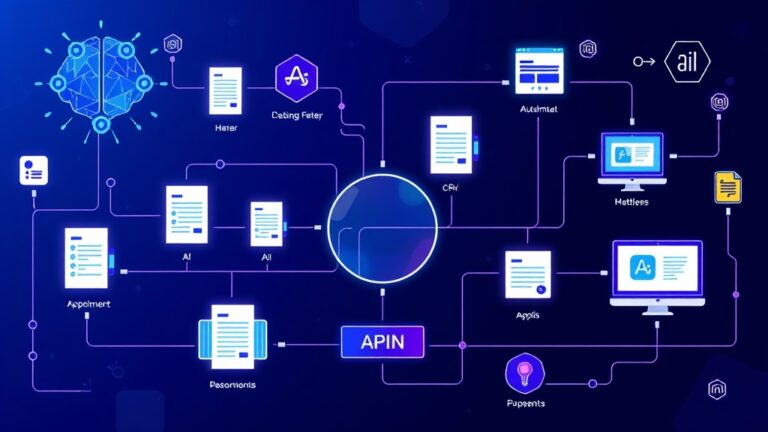
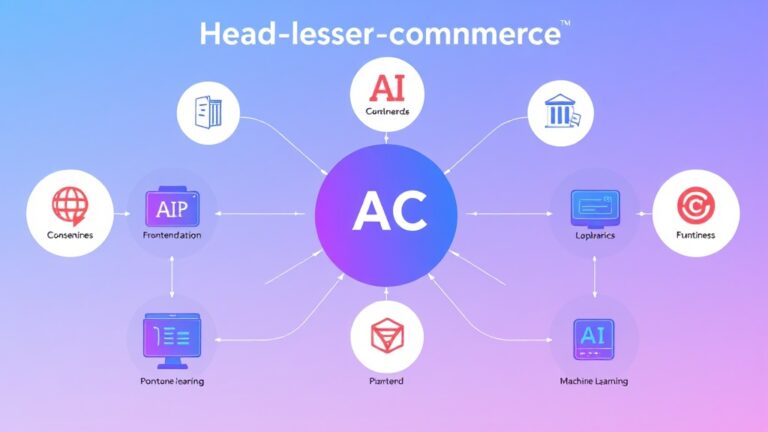
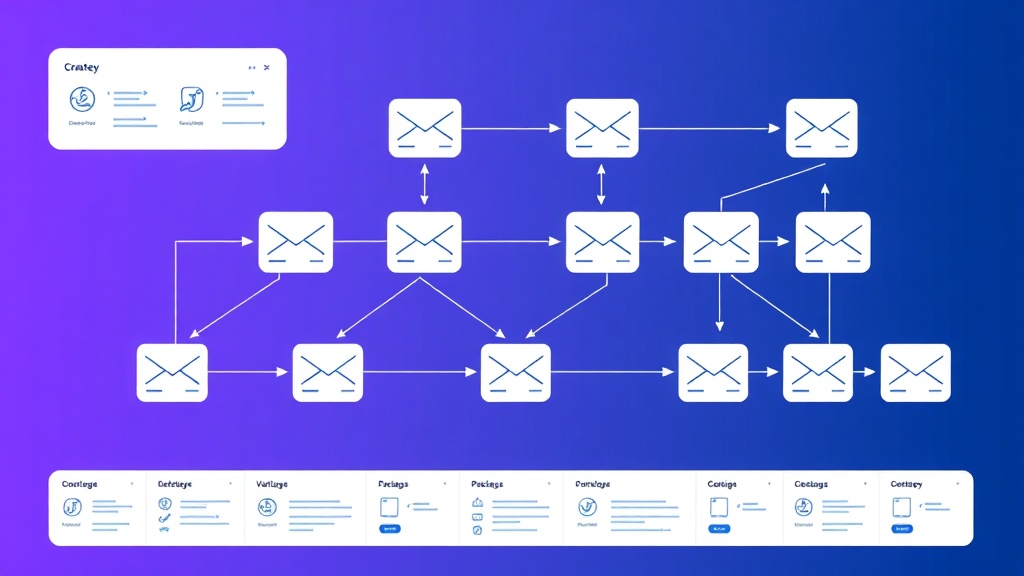
Our automation architecture consists of four main components:
| Component | Purpose | Technology | Cost |
|---|---|---|---|
| Trigger System | Detect new signups and user actions | n8n Webhooks | Included |
| Email Engine | Send personalized email sequences | ActiveCampaign/Brevo | $29-0/month |
| Data Storage | Track user progress and preferences | Airtable/PostgreSQL | $10-0/month |
| Logic Controller | Orchestrate workflows and decisions | n8n Workflows | $20/month |
Step-by-Step Implementation
Step 1: Setting Up the Initial Webhook Trigger
First, we’ll create the entry point for our automation—a webhook that receives new user signup data from your application.
In n8n, create a new workflow and add a Webhook node with these settings:
{
  "httpMethod": "POST",
  "path": "customer-onboarding",
  "authentication": "headerAuth",
  "options": {
    "rawBody": false,
    "responseMode": "onReceived"
  }
}
Configure your application to send POST requests to this webhook whenever a new user signs up. The payload should include:
{
  "user_id": "12345",
  "email": "user@example.com",
  "first_name": "John",
  "last_name": "Doe",
  "plan_type": "premium",
  "signup_source": "landing_page",
  "timestamp": "2024-01-15T10:30:00Z"
}
Step 2: Data Validation and Enrichment
Add a Function node after the webhook to validate and enrich the incoming data:
// Validate required fields
const requiredFields = ['user_id', 'email', 'first_name'];
const missingFields = requiredFields.filter(field => !items[0].json[field]);

if (missingFields.length > 0) {
  throw new Error(`Missing required fields: ${missingFields.join(', ')}`);
}

// Enrich data
const enrichedData = {
  ...items[0].json,
  onboarding_status: 'started',
  onboarding_step: 1,
  created_at: new Date().toISOString(),
  tags: ['new_user', items[0].json.plan_type || 'free']
};

return [{ json: enrichedData }];
Step 3: CRM Integration and Contact Creation
Connect to your email marketing platform using the appropriate n8n node. For ActiveCampaign, configure the “Create Contact” action:
{
  "email": "={{$json.email}}",
  "firstName": "={{$json.first_name}}",
  "lastName": "={{$json.last_name}}",
  "fieldValues": {
    "plan_type": "={{$json.plan_type}}",
    "signup_source": "={{$json.signup_source}}",
    "onboarding_step": "={{$json.onboarding_step}}"
  },
  "tags": "={{$json.tags.join(',')}}"
}
Step 4: Database Record Creation
Store the user’s onboarding progress in your database. If using Airtable, add an Airtable node with “Create” operation:
{
  "fields": {
    "User ID": "={{$json.user_id}}",
    "Email": "={{$json.email}}",
    "Full Name": "={{$json.first_name}} {{$json.last_name}}",
    "Onboarding Status": "={{$json.onboarding_status}}",
    "Current Step": "={{$json.onboarding_step}}",
    "Plan Type": "={{$json.plan_type}}",
    "Signup Date": "={{$json.created_at}}"
  }
}
Step 5: Welcome Email Sequence Trigger
Create a separate workflow for the email sequence. Use a Wait node to control timing between emails:
// Welcome Email Workflow Structure
1. Webhook Trigger (receives user data)
2. Wait Node (5 minutes delay)
3. Send Welcome Email
4. Wait Node (2 days)
5. Check if user completed first action
6. Branch: Send follow-up or next tutorial email
Configure the email content dynamically using n8n’s expression system:
{
  "subject": "Welcome to [Product Name], {{$json.first_name}}!",
  "content": "Hi {{$json.first_name}},nnWelcome to [Product Name]! We're excited to help you {{#if plan_type === 'premium'}}unlock advanced features{{else}}get started{{/if}}.nnYour next steps:n1. Complete your profile setupn2. {{#if plan_type === 'premium'}}Access your premium dashboard{{else}}Try our core features{{/if}}n3. Join our communitynnBest regards,nThe Team"
}
Step 6: Progress Tracking and Behavioral Triggers
Create additional webhooks to track user progress through onboarding steps. Set up endpoints for key actions:
/onboarding/profile-completed/onboarding/first-feature-used/onboarding/tutorial-completed/onboarding/integration-connected
Each webhook updates the user’s progress and triggers appropriate follow-up actions:
// Progress Update Function
const currentStep = items[0].json.current_step;
const nextStep = currentStep + 1;
const completionPercentage = (nextStep / 5) * 100;

// Update database record
const updateData = {
  onboarding_step: nextStep,
  completion_percentage: completionPercentage,
  last_activity: new Date().toISOString()
};

// Trigger next email if applicable
if (nextStep <= 5) {
  updateData.next_email_scheduled = true;
}

return [{ json: updateData }];
Advanced Workflow Logic and Branching
Conditional Email Paths
Implement smart branching based on user behavior and characteristics:
// IF Node Configuration for Email Branching
{
  "conditions": {
    "string": [
      {
        "value1": "={{$json.plan_type}}",
        "operation": "equal",
        "value2": "premium"
      }
    ],
    "number": [
      {
        "value1": "={{$json.days_since_signup}}",
        "operation": "larger",
        "value2": 7
      }
    ]
  }
}
Inactivity Detection and Re-engagement
Set up a scheduled workflow that runs daily to identify inactive users:
// Daily Inactivity Check
SELECT user_id, email, first_name, last_activity, onboarding_step
FROM users
WHERE last_activity < NOW() - INTERVAL '3 days'
AND onboarding_step < 5
AND re_engagement_sent = false;
Key Insight: Research shows that users who don’t complete onboarding within 7 days have a 90% higher churn rate. Automated re-engagement campaigns can recover 15-25% of these users.
Testing and Validation
Unit Testing Individual Nodes
Test each workflow component with sample data:
- Webhook validation: Send test POST requests with various payload combinations
- Email delivery: Verify emails reach inbox and render correctly across clients
- Database operations: Confirm data is stored and updated accurately
- Conditional logic: Test all branching scenarios with edge cases
End-to-End Testing Protocol
Create a comprehensive test plan covering:
| Test Scenario | Expected Outcome | Validation Method |
|---|---|---|
| New premium user signup | Premium onboarding sequence starts | Check email delivery + database record |
| User completes profile setup | Progress updated, next email triggered | Verify step increment + email sent |
| 3-day inactive user | Re-engagement email sent | Confirm email delivery + flag updated |
| Complete onboarding | Completion email + success tracking | Final email sent + status marked complete |
Performance Monitoring
Implement monitoring for key metrics:
- Workflow execution time: Should complete within 30 seconds
- Email delivery rates: Target 98%+ successful delivery
- Database response time: Queries should execute under 500ms
- Error rates: Less than 1% workflow failures
Deployment and Production Considerations
Environment Configuration
Set up separate environments for development, staging, and production:
// Environment Variables
PRODUCTION_WEBHOOK_URL=https://your-domain.com/webhook/onboarding
STAGING_WEBHOOK_URL=https://staging.your-domain.com/webhook/onboarding
EMAIL_API_KEY=your_activecampaign_api_key
DATABASE_CONNECTION_STRING=postgresql://user:pass@host:port/db
Security and Authentication
Implement proper security measures:
- Webhook authentication: Use API keys or HMAC signatures
- Data encryption: Encrypt sensitive data in transit and at rest
- Rate limiting: Prevent abuse with request throttling
- Input validation: Sanitize all incoming data
Scaling Considerations
Plan for growth with these architectural decisions:
Scaling Tip: Design your workflows to handle 10x your current volume. Use queue-based processing for high-volume scenarios and implement circuit breakers for external API calls.
Enhancement Ideas and Advanced Features
AI-Powered Personalization
Integrate AI tools like Copy.ai to generate personalized email content based on user behavior patterns and preferences. This can increase engagement rates by 40-60%.
Multi-Channel Orchestration
Expand beyond email to include:
- SMS notifications: For urgent onboarding steps
- In-app messages: Contextual guidance within your application
- Push notifications: Mobile app engagement
- Slack/Teams integration: For B2B customers
Advanced Analytics and Optimization
Implement A/B testing for email subject lines, send times, and content variations. Track conversion metrics and automatically optimize campaigns based on performance data.
Integration Ecosystem
Connect additional tools for enhanced functionality:
- CRM synchronization: Bi-directional sync with Freshsales or HubSpot
- Analytics tracking: Send events to Google Analytics or Mixpanel
- Support ticket creation: Auto-create tickets for users stuck in onboarding
- Calendar integration: Schedule onboarding calls for high-value prospects
Frequently Asked Questions
How long does it take to implement this onboarding automation?
A basic implementation typically takes 2-3 days for an experienced developer, while a comprehensive system with advanced features may require 1-2 weeks. The complexity depends on your existing tech stack integration requirements and the number of onboarding paths you want to create.
What’s the ROI of implementing automated customer onboarding?
Companies typically see 15-25% improvement in user activation rates and 20-30% reduction in support tickets within 90 days of implementation. For a SaaS with 1000 monthly signups, this can translate to $50,000-100,000 in additional annual recurring revenue, while the automation system costs approximately $2,000-5,000 to build and maintain.
How do I handle GDPR compliance and email preferences?
Implement consent tracking in your database schema and include unsubscribe links in all emails. Store user preferences and honor opt-out requests immediately. Consider using double opt-in for EU users and maintain audit logs of all email communications. Most email service providers like ActiveCampaign and Brevo include built-in GDPR compliance features.
Can this system scale to handle thousands of users per day?
Yes, but you’ll need to implement queue-based processing and consider upgrading to n8n’s enterprise plan or self-hosted solution. For high-volume scenarios (5000+ signups/day), consider using dedicated message queues like RabbitMQ or AWS SQS, and implement batch processing for database operations to maintain performance.
Ready to transform your customer onboarding process but need expert guidance? Our team at futia.io’s automation services specializes in building sophisticated onboarding workflows that increase user activation and reduce churn. We’ll help you design, implement, and optimize a custom automation system tailored to your specific business needs and technical requirements.
🛠️ Tools Mentioned in This Article